
Download Wise Program Uninstaller Portable – Remove Software, Clean Residual Files, Portable Tool
Overview
Wise Program Uninstaller Portable is a mobile application designed to assist users in completely removing unwanted software from their devices. The app focuses on eliminating not just the main program files, but also residual data that often remains after standard uninstallation processes. This helps maintain system cleanliness and performance. It is particularly useful for users who manage multiple applications and want to ensure no digital clutter is left behind. The target audience includes both casual users and advanced individuals seeking a reliable method to clean up their devices. The application is built with a portable design, meaning it can be run directly from a USB drive or any storage location without requiring installation. This feature makes it ideal for use on shared or restricted systems. Real-world use cases include preparing a device for resale, cleaning up trial software, or removing programs that failed to uninstall properly. In the broader app ecosystem, Wise Program Uninstaller Portable fills a niche by offering a lightweight, efficient solution for system maintenance. The developer did not provide additional technical details about the app’s development background or history. However, the app’s functionality aligns with growing user demand for tools that enhance privacy and system efficiency. Its focus on thorough removal positions it as a valuable utility in a user’s digital hygiene toolkit.Key Features & Functionality
- Complete Uninstallation: The app ensures that every trace of a program is removed, including registry entries, temporary files, and configuration data. This prevents leftover components from consuming storage or causing conflicts.
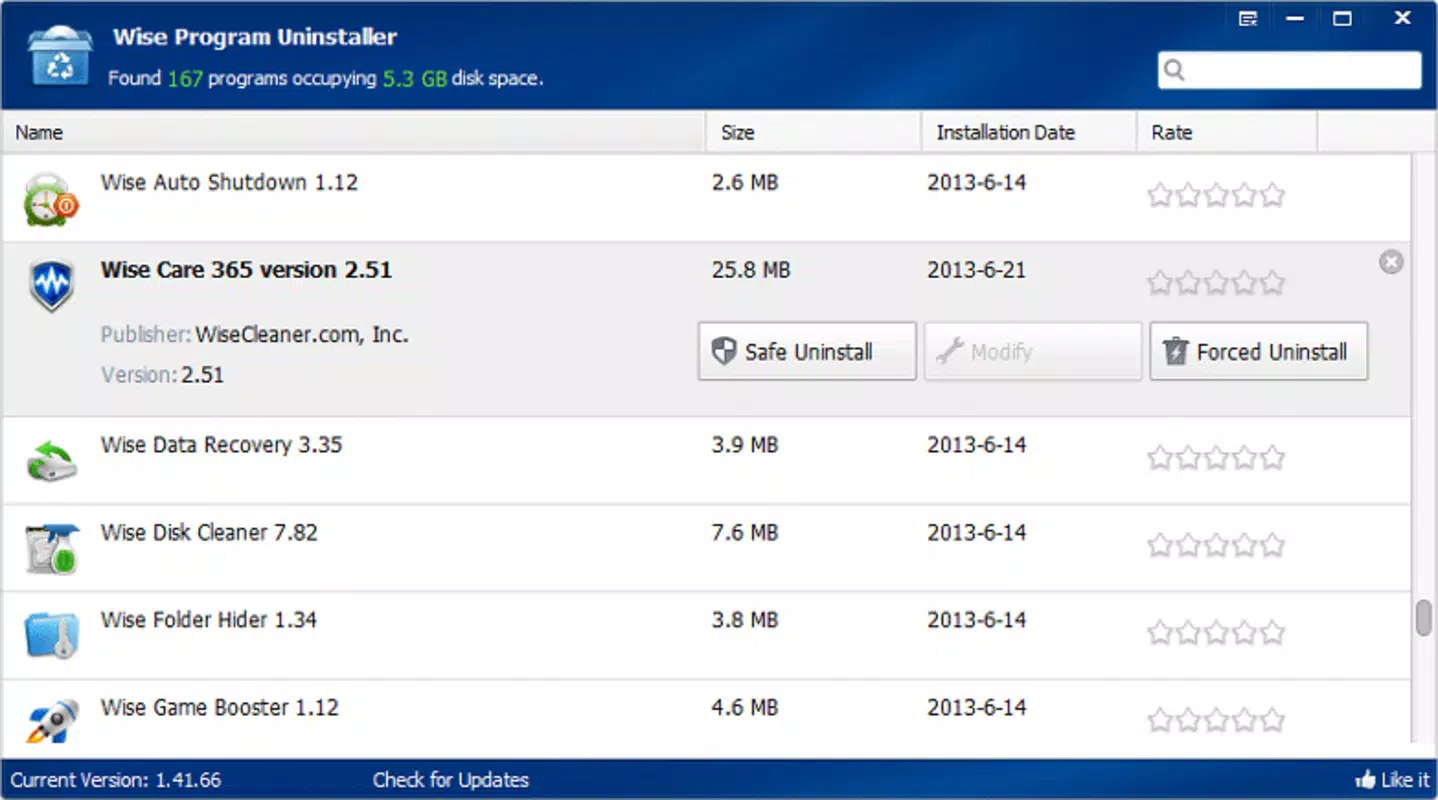
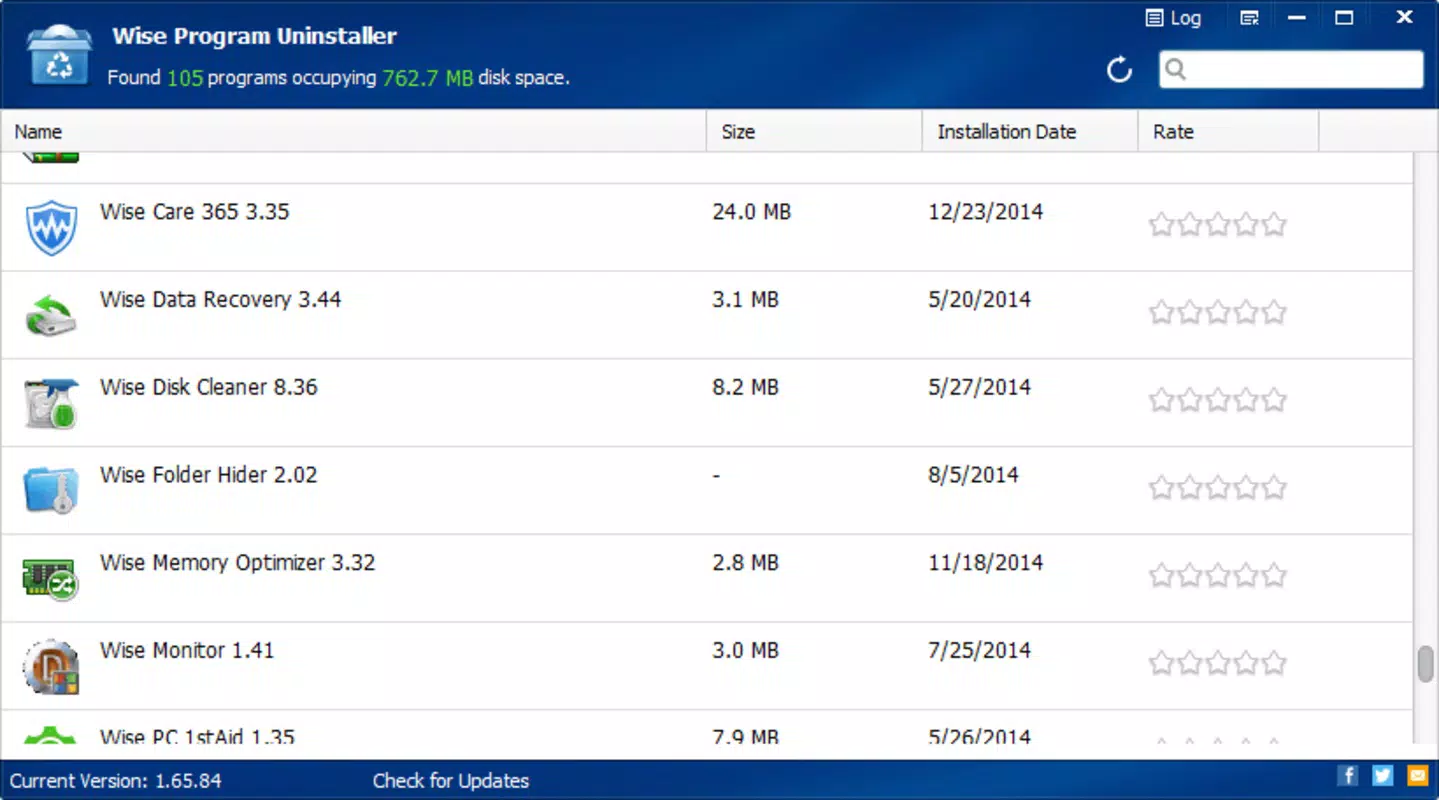
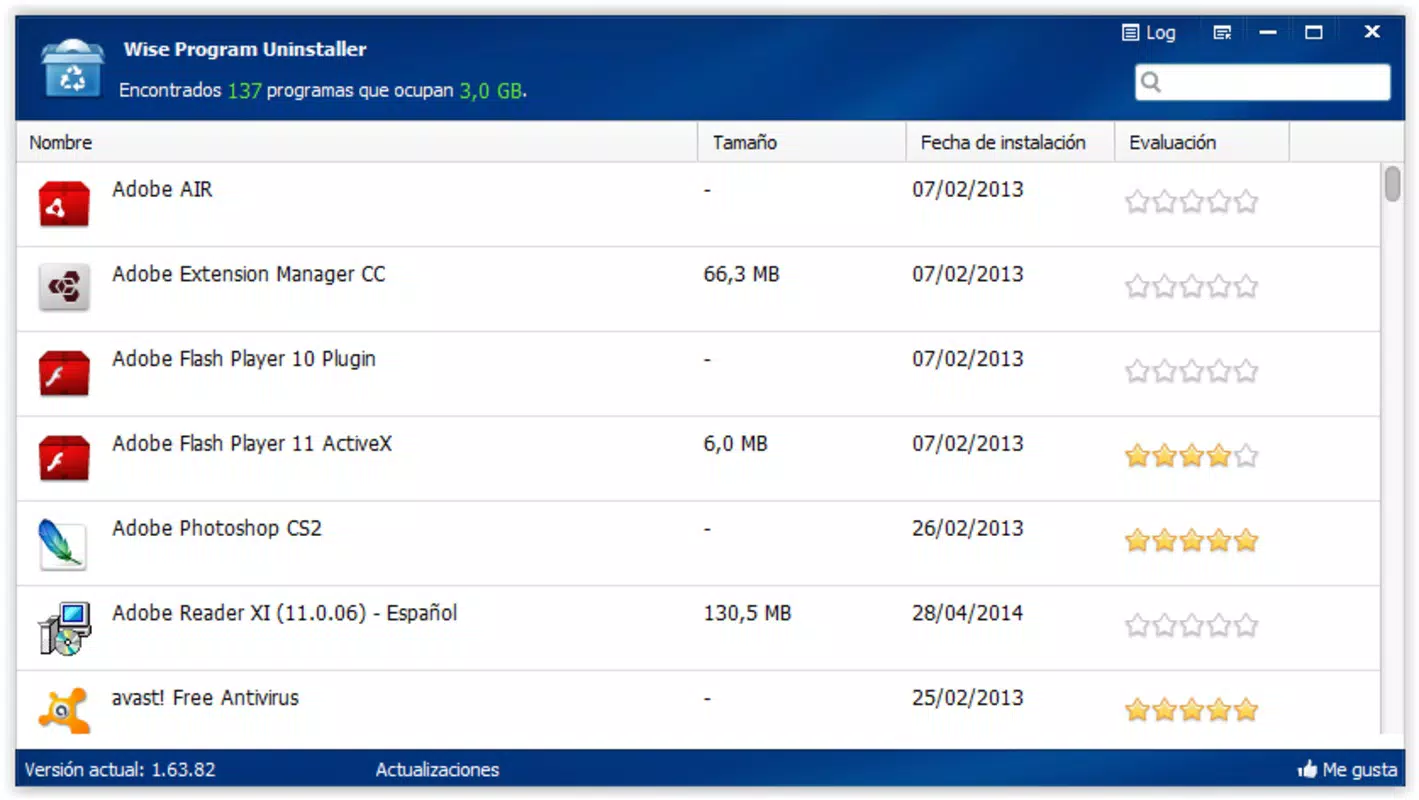
- User-Friendly Interface: With a clean layout, users can easily browse the list of installed applications and select those they wish to remove. The interface supports quick filtering and search, improving navigation efficiency.
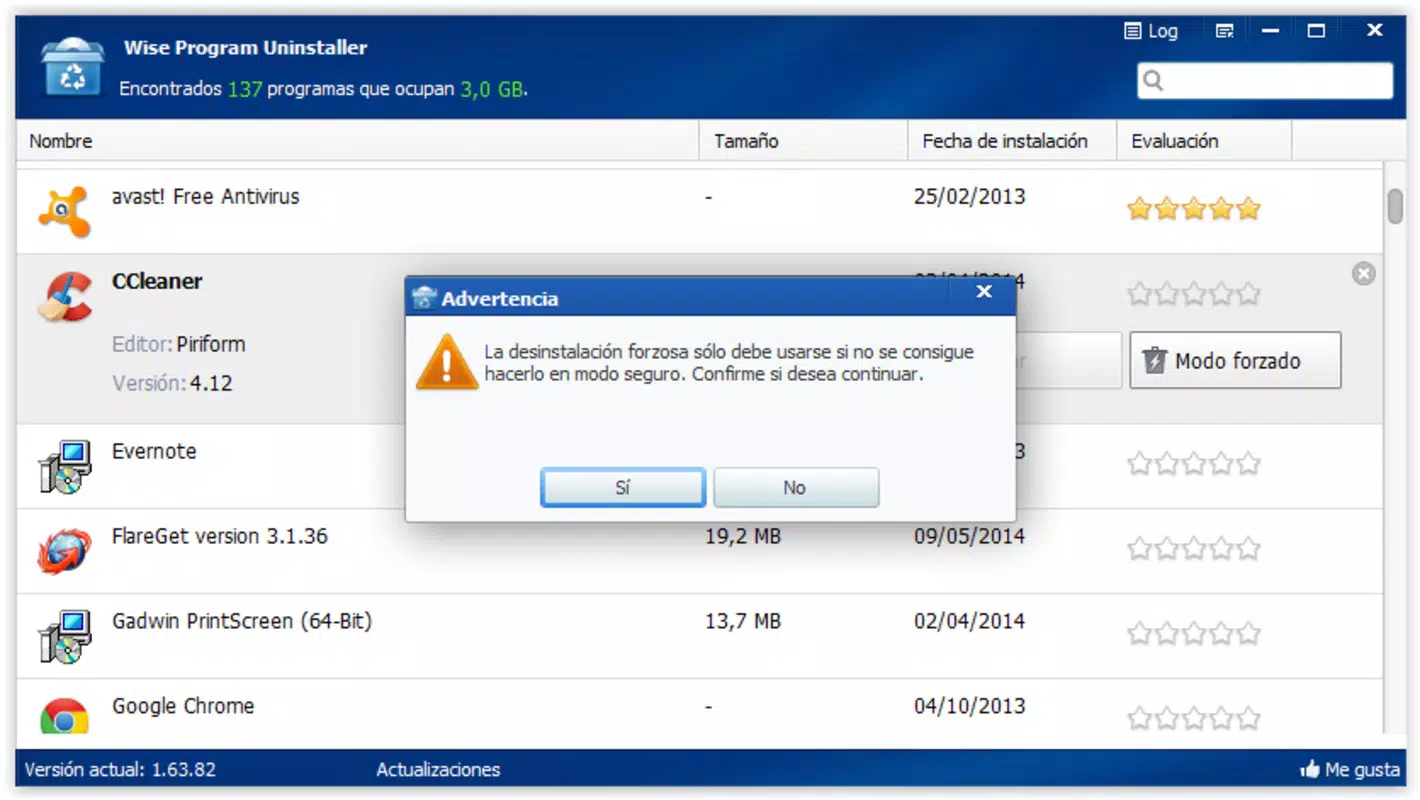
- Force Uninstallation Feature: For programs that resist standard removal, the app offers a force uninstall option. This can be used to bypass installation locks or corrupted uninstallers, though users are advised to use it cautiously.
- Repair and Modify Options: Beyond uninstallation, users can repair damaged applications or modify their installation settings. This functionality helps resolve issues without the need for a full reinstallation.
- Portable Design: The app runs directly from a USB drive or folder without installing any components. This makes it highly versatile for use across different devices, especially in environments with restricted administrative access.
Interface, UX & Performance
The user interface of Wise Program Uninstaller Portable is designed with simplicity and clarity in mind. It presents a straightforward list of installed applications, allowing users to quickly identify and select those they wish to remove. Navigation is intuitive, with minimal on-screen clutter and logical placement of controls. The visual style is minimalistic, focusing on functionality over decorative elements. Although the developer did not list formal performance metrics, the app is expected to operate efficiently across various device categories, including mid-range and high-end smartphones and tablets. Responsiveness is maintained through optimized code execution, ensuring smooth interaction during scanning and uninstallation processes. Stability is a key strength, with the app designed to handle unexpected interruptions gracefully. The portable nature of the application reduces the risk of system conflicts, as no background services or registry modifications are made. However, specific requirements for RAM, CPU, or storage were not listed. Compatibility with different device types was not fully disclosed. Users are advised to test the app on their device to confirm optimal performance.Platform Compatibility & Technical Requirements
Wise Program Uninstaller Portable is available for Android and iOS platforms. The app supports the latest versions of both operating systems, ensuring compatibility with current devices. The file size is 4.8 MB, making it lightweight and easy to download and store. The software version is 3.2.0, released on June 19, 2025. The developer did not specify minimum OS requirements. Compatibility information was not fully disclosed. Users should verify that their device meets the system demands before installation. The app’s portable nature allows it to be used across multiple devices without reinstallation. It can be stored on a USB drive or internal storage and launched directly from any supported device.Pros and Cons
- Complete removal of software and residual files
- Portable design enables use on multiple devices without installation
- Intuitive interface with easy navigation
- Force uninstallation option for stubborn programs
- Repair and modify functionality for existing software
- Specific system requirements were not listed
- Compatibility with older devices was not confirmed
- Developer did not provide detailed update history
- Performance on low-end devices was not tested or disclosed
- Advanced features may require user caution to avoid system issues


